Skip to the videosMake Video Skill · Style LabToolkit 0.13 · local video workflows
Nine styles. One toolkit.
Make a video that feels like yours.
Choose a moving miniature, pixel world, floating cards, paper layers, comic panels, blueprint, plush character, cinematic storybook or documentary. Keep the editable project. Tell Codex or Claude Code what you want to change, then export again.
After purchase and setup, rendering each video on your computer costs zero dollars. Save the video files on your own computer. AI help and premium media can cost extra.
$67 once
All nine styles are included with the toolkit. Available on Gumroad.
Narration, captions and sound effects. Editable source is included with the toolkit.
Keep changing the story.
Ask for a different colour, a faster movement, a new label or another camera angle. Your assistant edits the source; you review the result before exporting. New spoken words also need a new voice recording and matching captions.
The supplied examples include their audio. You can also use your own recordings and files. Paid AI presenter generation is separate. Rendering with the local tools is free ($0); your computer, electricity, storage and downloads remain your costs.
These examples were checked on our Apple Silicon Mac with 32 GB of memory. That is the tested setup, not a verified minimum. Independent beginner trials and other computers remain to be tested.
Plushy, Cinematic Storybook and Documentary are included with the other six styles and the existing core in the same $67 one-time toolkit. Their native films, editable finite scene source, completed example speech, sound and captions are included.
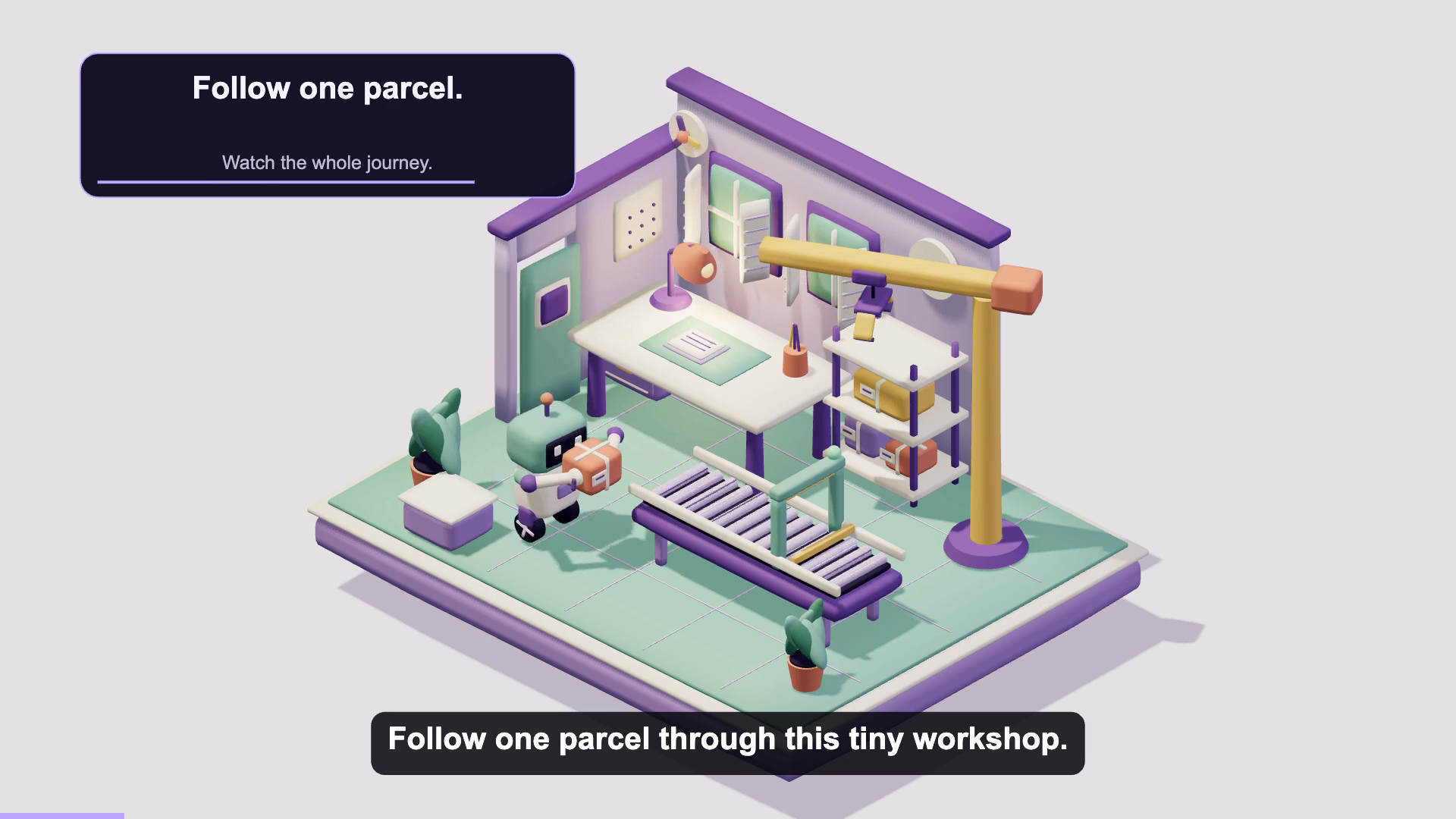 Soft 3D
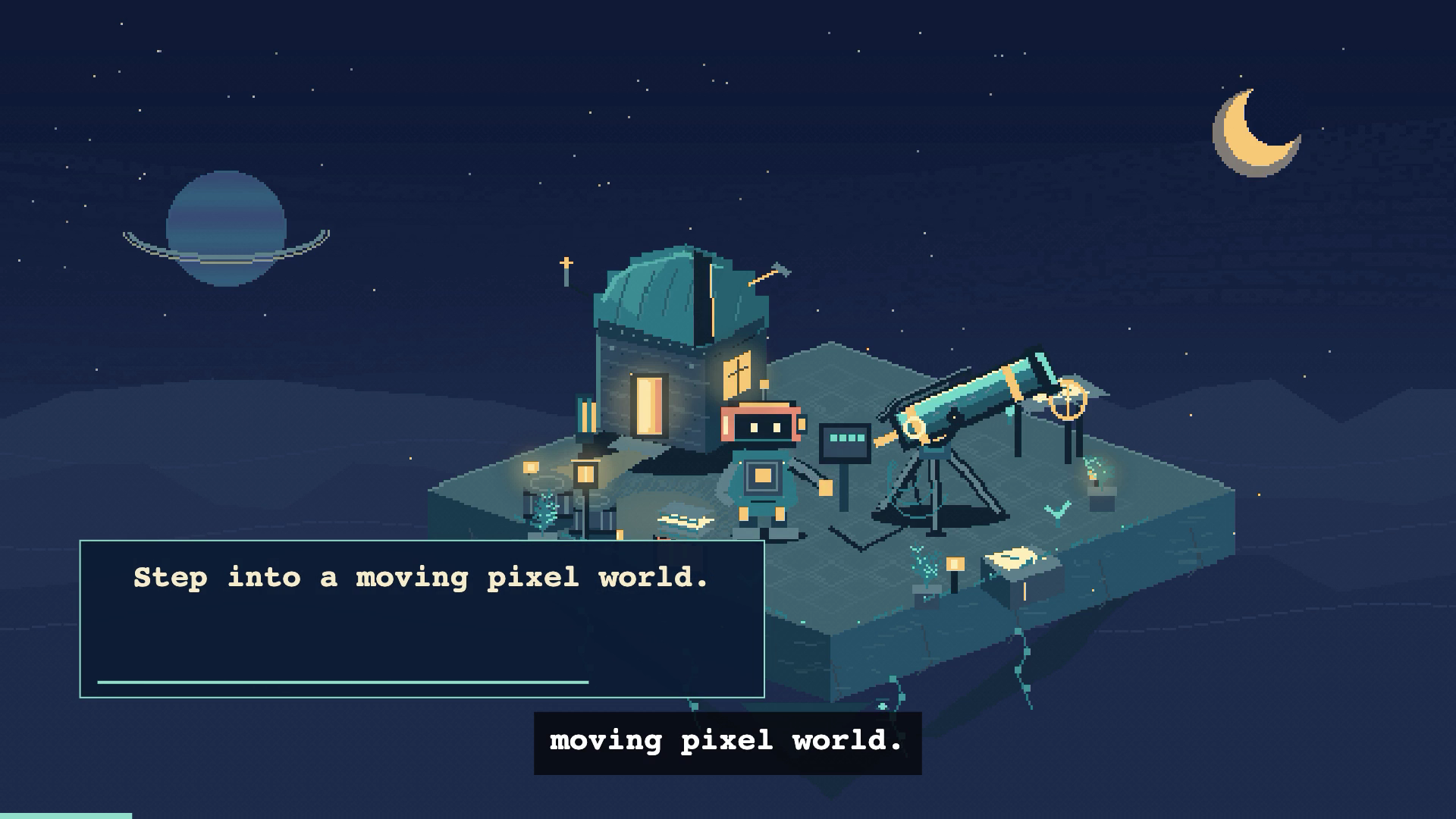 Detailed pixel art
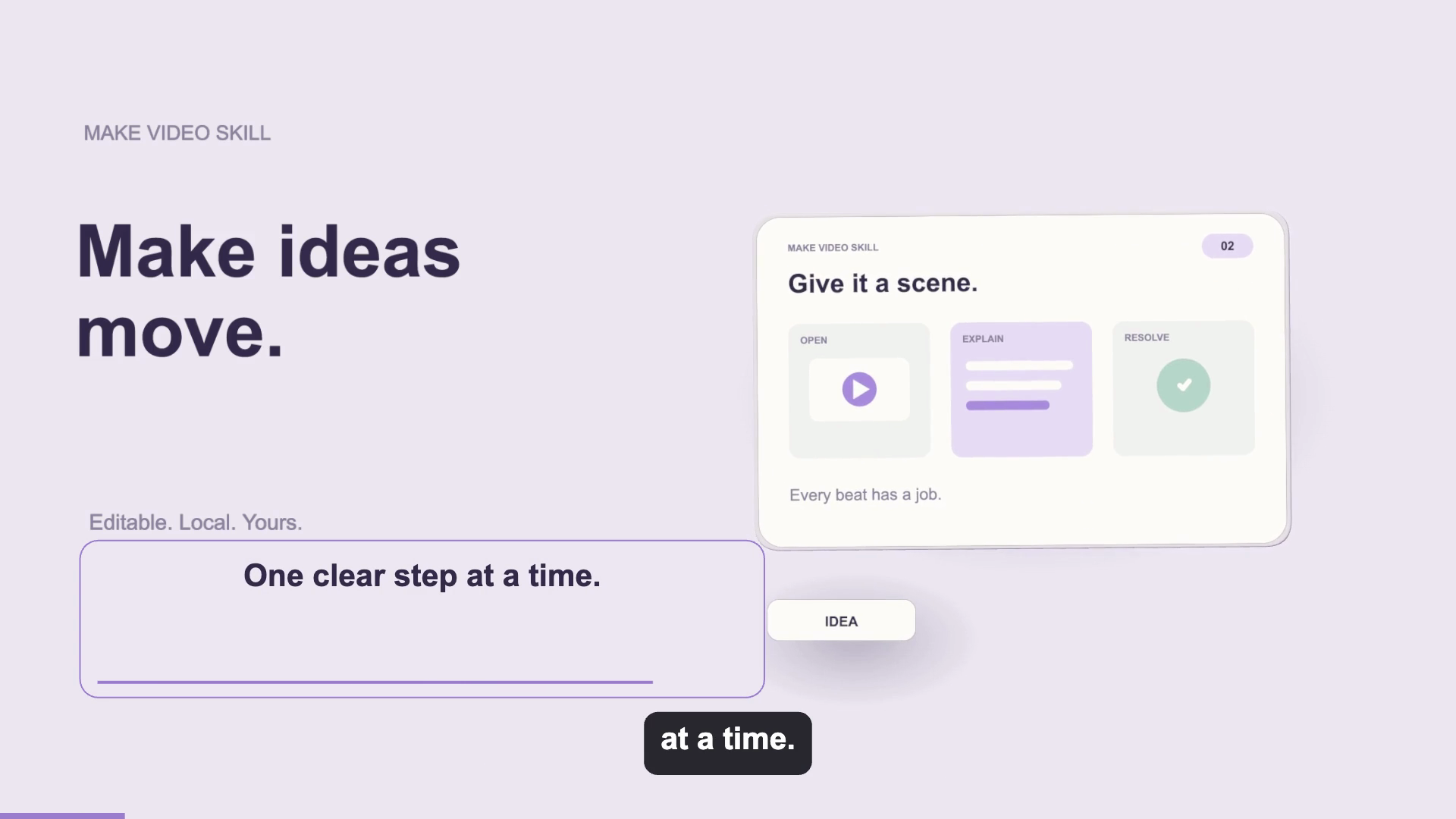 Floating cards
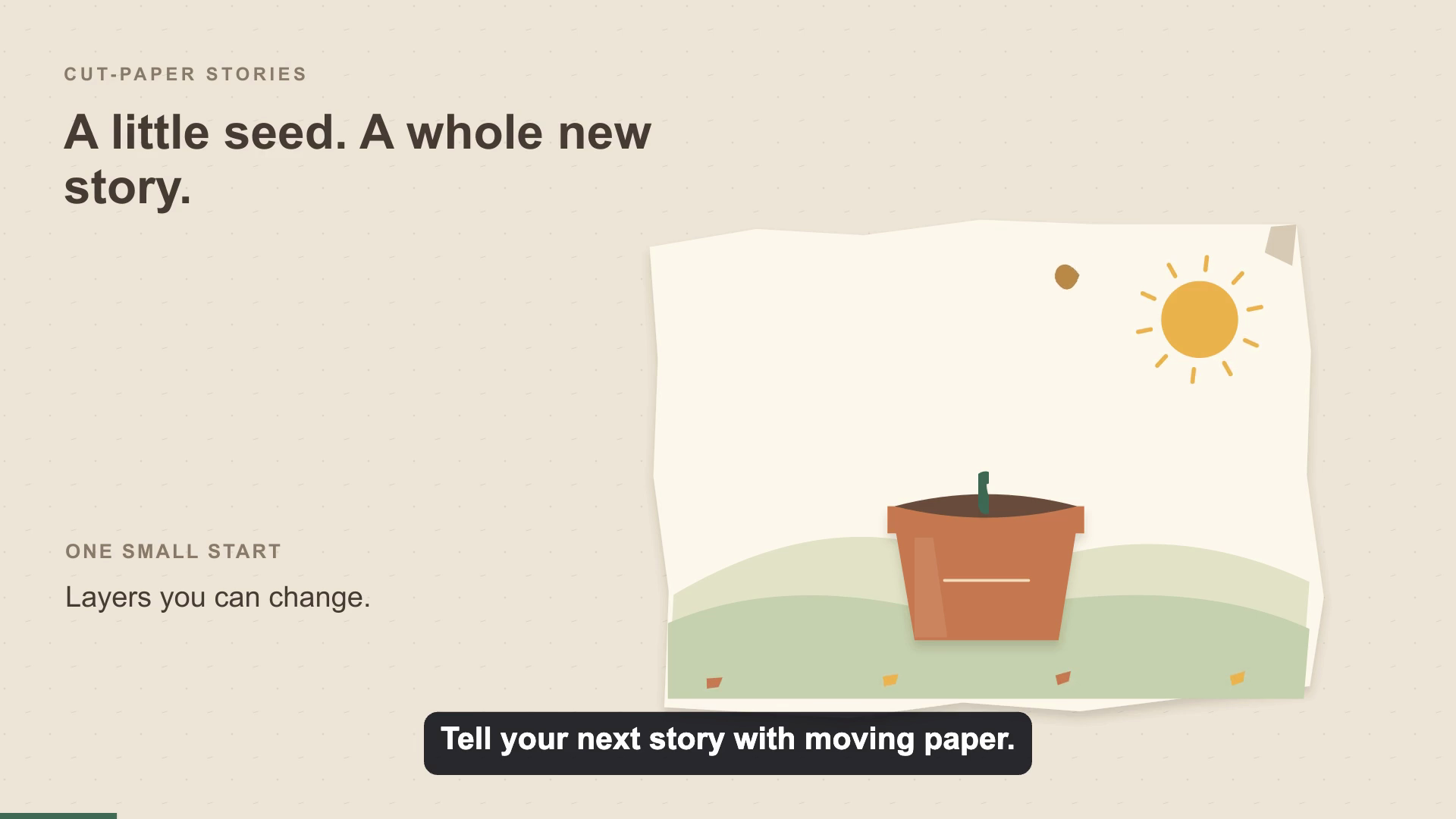 Cut-Paper Stories
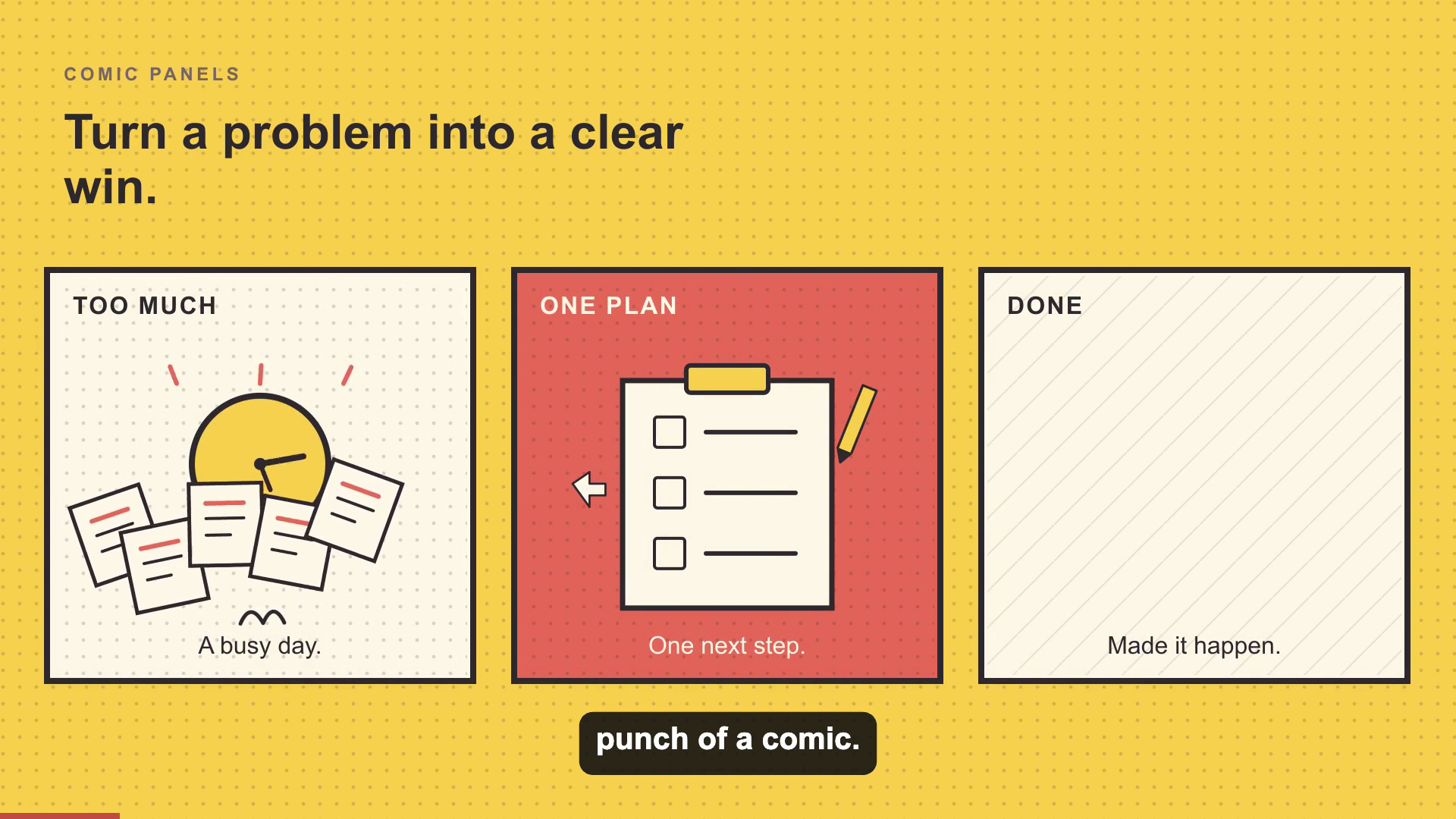 Comic Panels
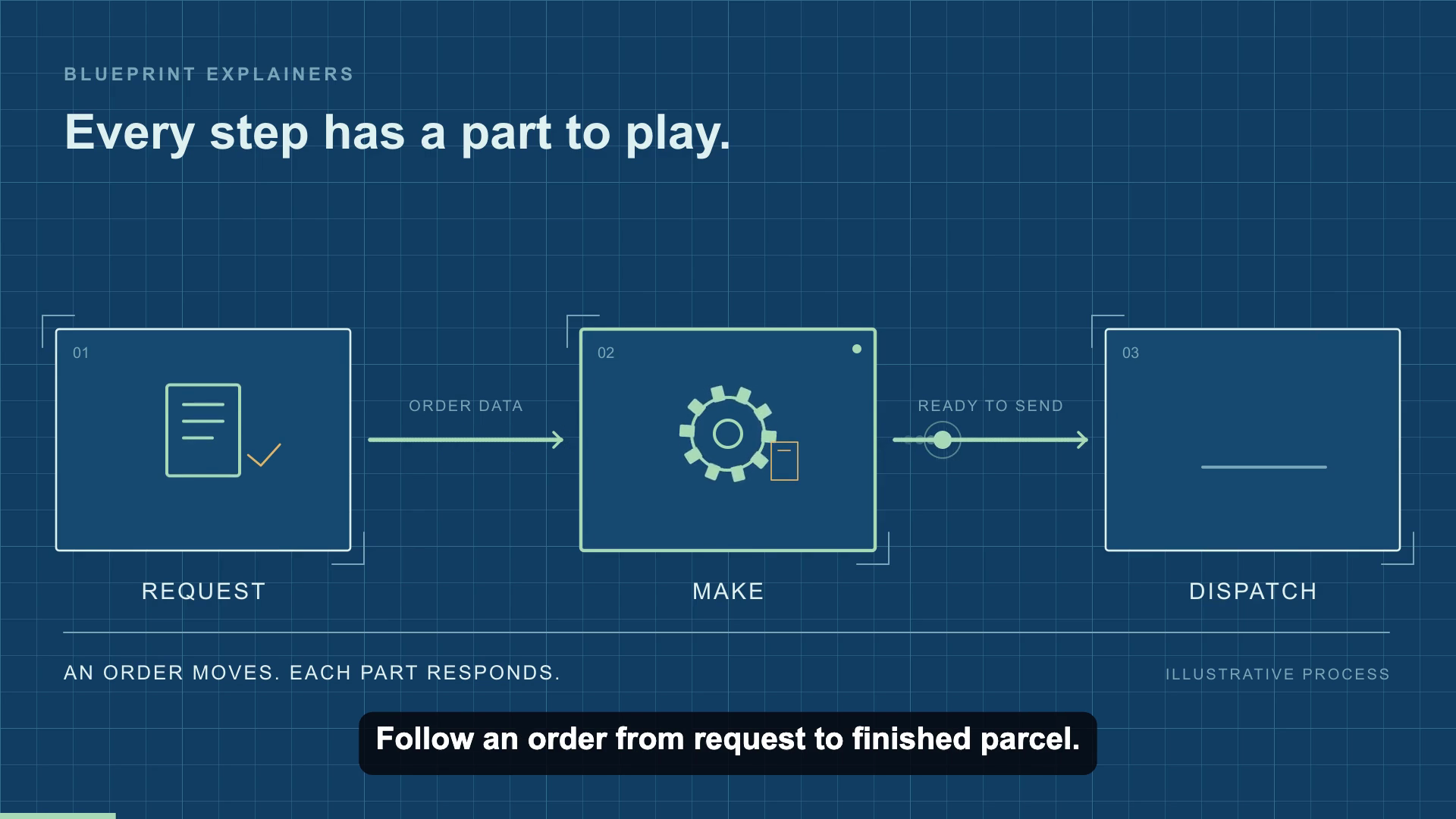 Blueprint Explainers
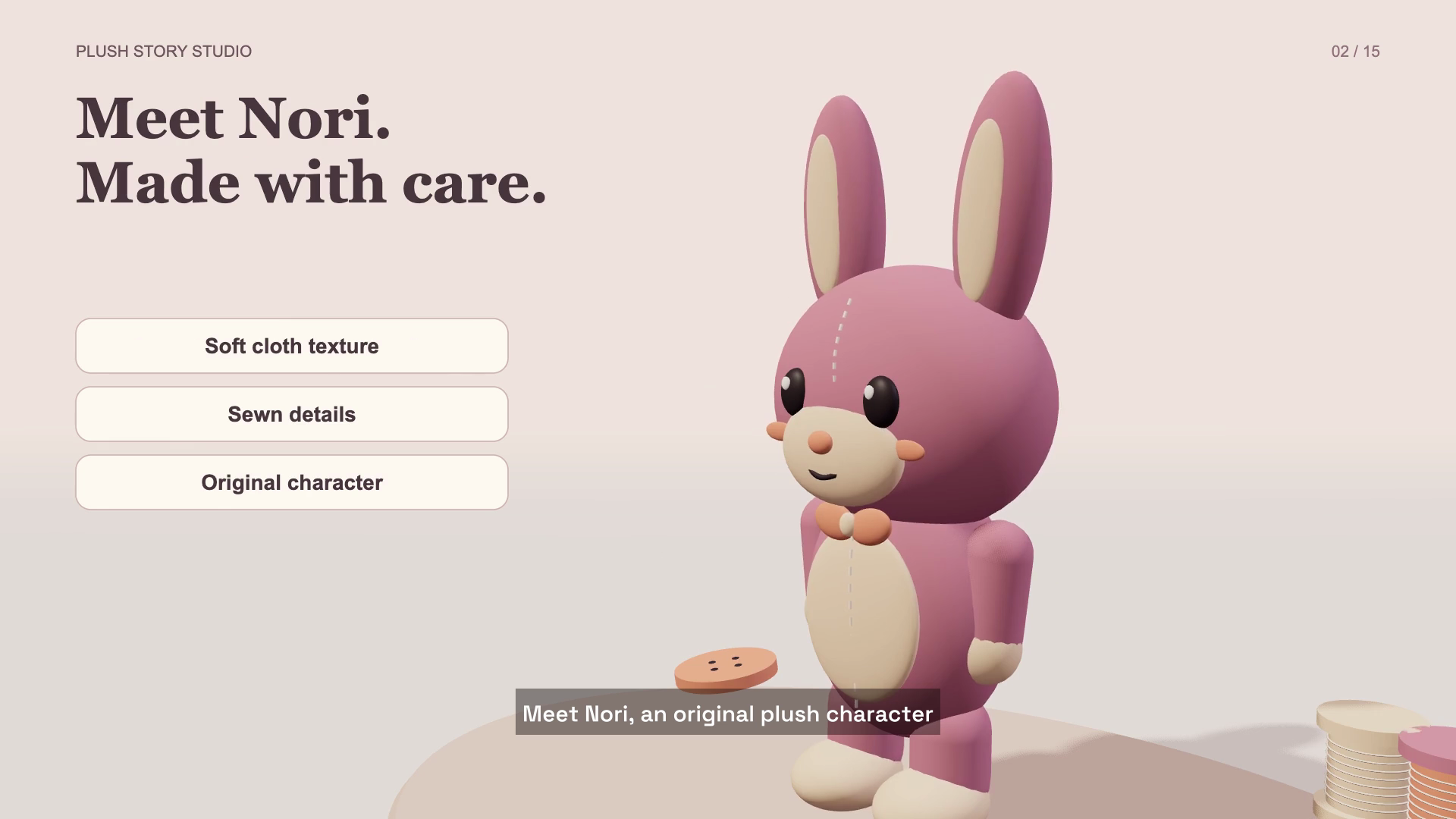 Plushy
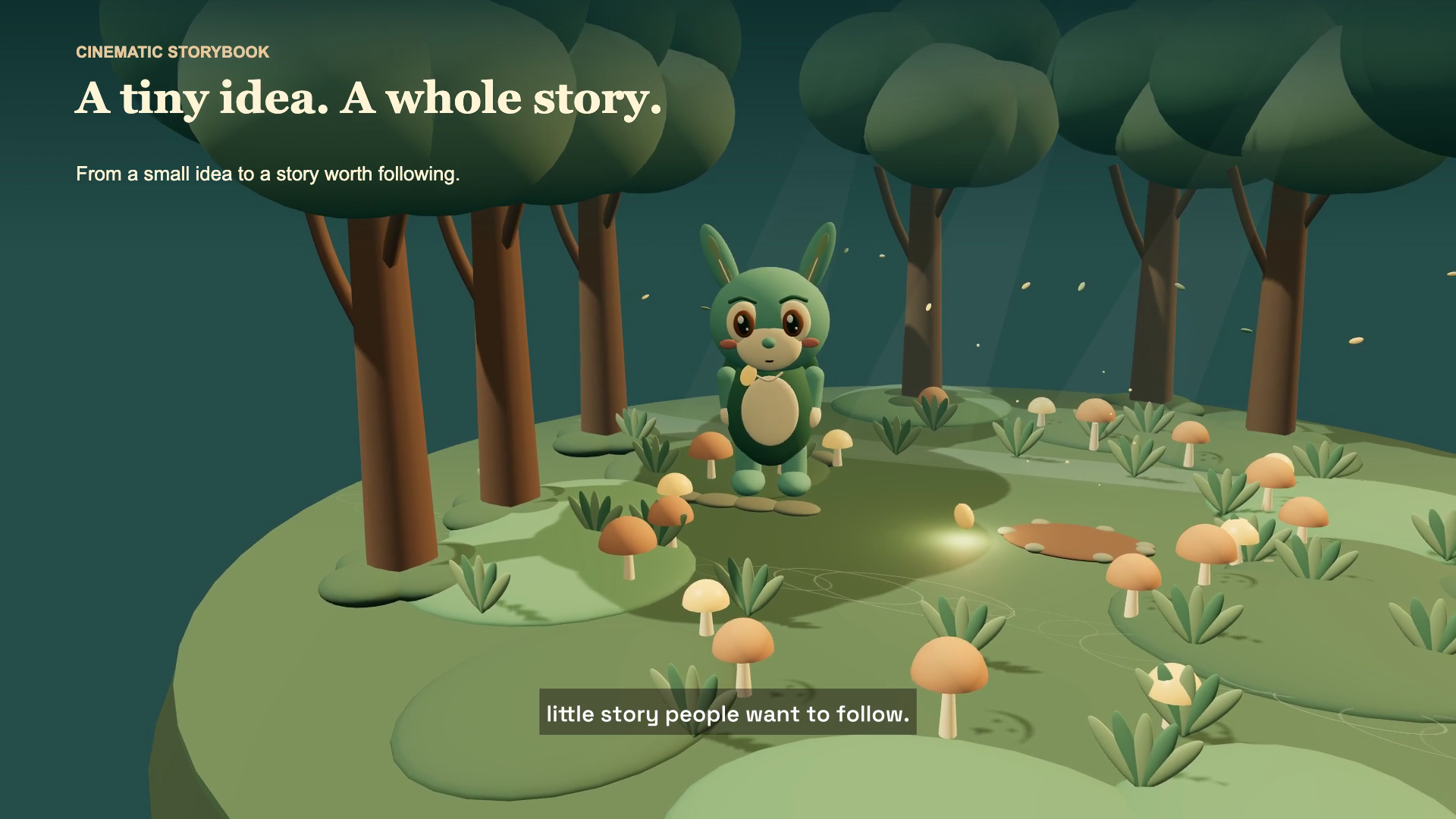 Cinematic Storybook
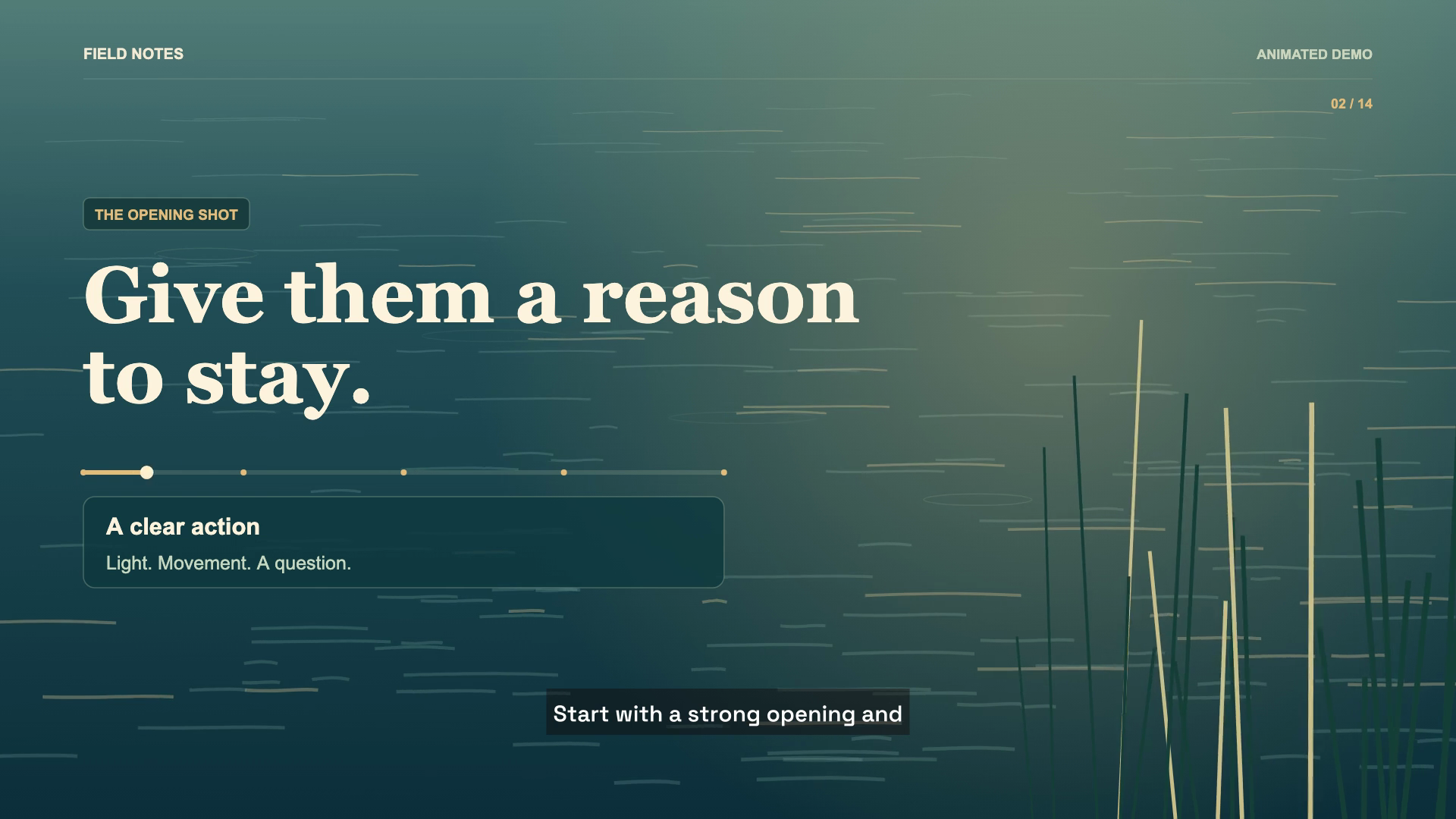 Documentary