All three are included in the $67 one-time toolkit. Plushy, Cinematic Storybook and Documentary join the other six styles and existing core. You get the native films, finite editable scene source, completed example narration, captions and sound. See all nine included styles.
Both are included completed example recordings. They are not reusable private speaker profiles or a voice-generation service. New spoken stories need permitted new audio and matching shot, sound and caption timings.
The original voice is saved. These new films use a separate brighter version of the same take, slightly quicker and higher. Listen to the short samples and choose the tone you prefer.
British Original
The preserved voice, at its original pace and pitch.
Make your next idea a little more lovable. Meet Nori, an original plush character with stitched details. Watch Nori walk, wave, and lift a heart. The arms, ears, and feet really move. Then the character pulls it close, squeezes, and bounces. Every action is part of an editable scene. Try a bunny or a bear. Change the colours and scene settings to suit your story. Build a sequence with clear actions. Add your own narration, readable captions, and sound that lands with the movement. Export a wide video or a vertical one. Keep the source and change it again. This is a preview. After purchase and setup, rendering on your computer costs zero dollars. AI help and premium media can cost extra.
40-second film · 15 shots
Follow every little change.
Fenn finds a seed, plants it and waters the soil. Cut closer as shoots grow, petals open and Fenn reacts. Colour, story-beat and export graphics explain what you can change.
15 sentence-led shots
Plant → water → grow
Editable colours and scenes
Brighter British voice, captions and sound. Press Play to hear it.
Turn a simple idea into a little story people want to follow. Meet Fenn in an original woodland world. Start with a clear action. Fenn finds a seed, carries it over, and makes a place for it. Add the next beat. A little water reaches the soil, and the first shoots begin to move. Then give the story a payoff. Leaves unfold, a flower opens, and Fenn reacts to the glow. Change the colours and scene settings. Arrange the story beats to suit the message you want to tell. Add narration, captions, and timed sound. Export wide or vertical, and keep the editable source. This is a preview. After purchase and setup, rendering on your computer costs zero dollars. AI help and premium media can cost extra.
38-second film · 14 shots
Give your footage a clear sequence.
Watch the moving shot, then see the same footage with titles, a route, a timeline and source notes. Use your own permitted recordings. This demonstration uses original animated scenery and an illustrative map.
14 sentence-led shots
Your own footage
Maps + timelines
Brighter British voice, captions and sound. Press Play to hear it.
Give your footage a story worth following. Start with a strong opening and a clear reason to watch. Upload a video you have permission to use. This example uses original animated demonstration footage. Add a title and a small name label, so viewers know where they are and what matters. Use a map to explain the route. Reveal each stop as the story moves forward. Build a timeline and source notes. You choose the facts, the footage, and the words. Compare the same shot before and after. Then export wide and vertical, with narration, captions, and editable source. This is a preview. After purchase and setup, rendering on your computer costs zero dollars. AI help and premium media can cost extra.
After purchase and setup, rendering each video on your computer costs zero dollars. Save the exported video files on your own computer. Make the video on your own computer. ChatGPT or Claude can use paid plans, tokens or credits. Premium voices and generated footage can cost extra. Your computer, electricity and storage are separate.
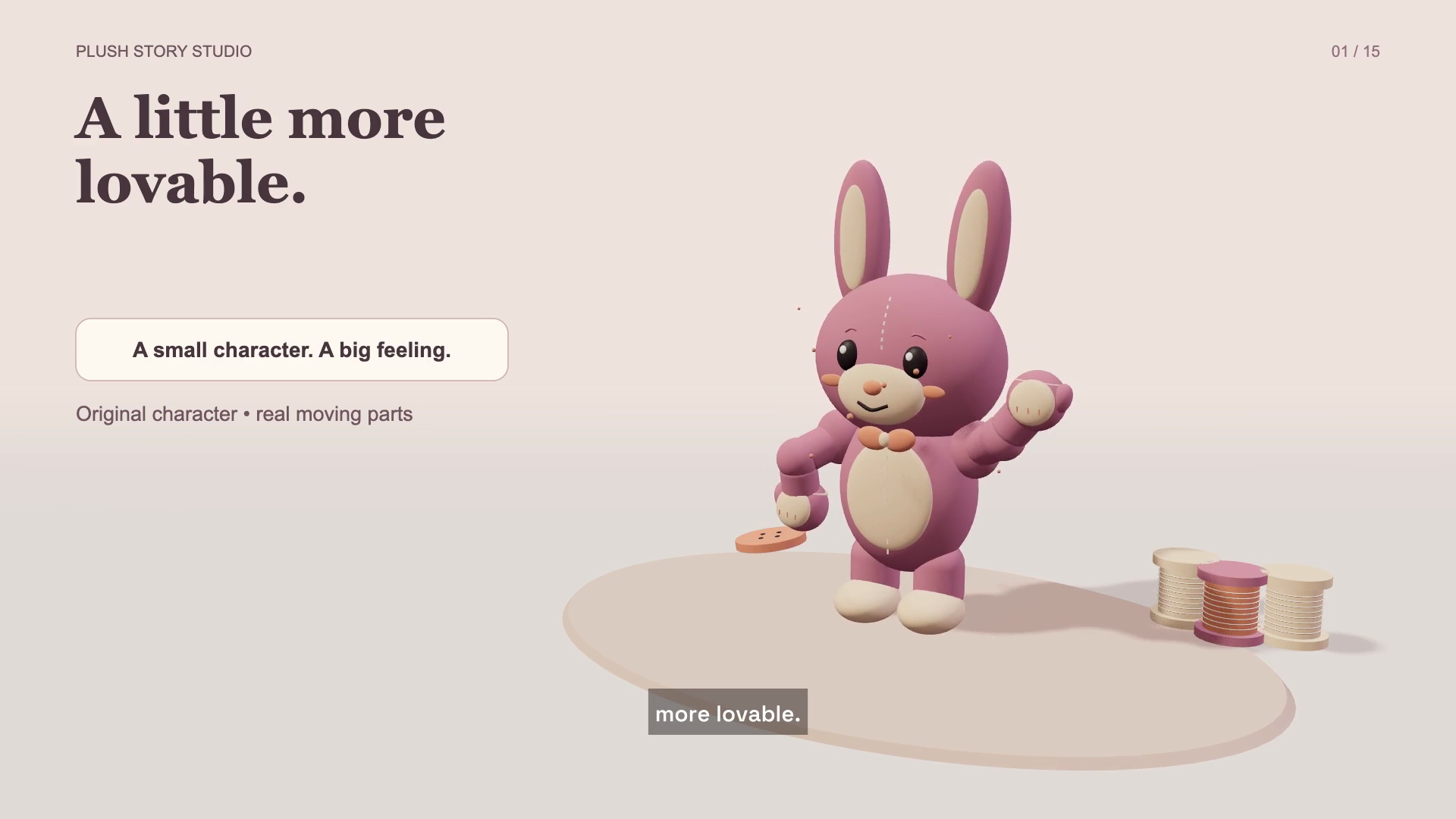 Plushy character stories
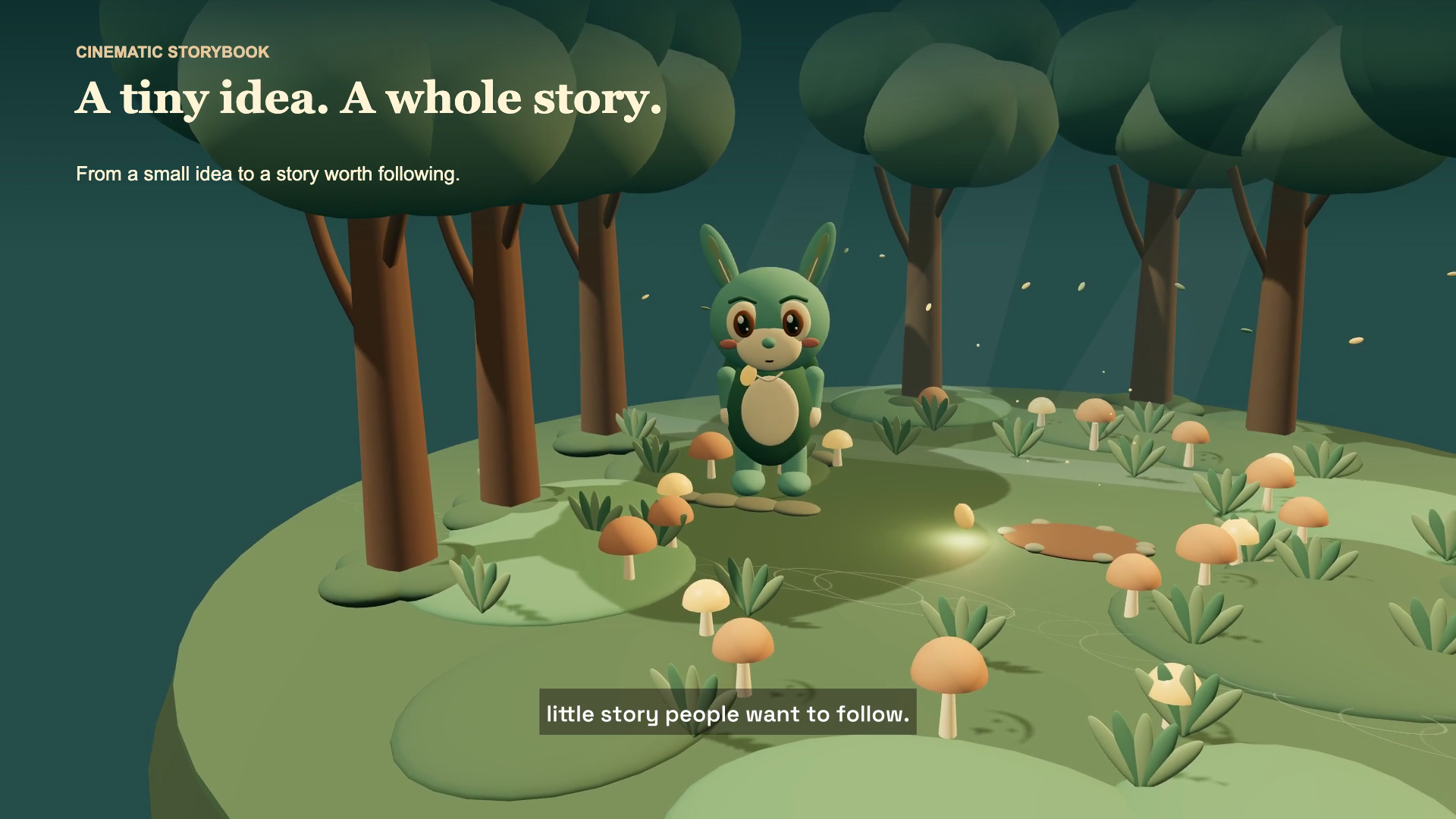 Cinematic Storybook
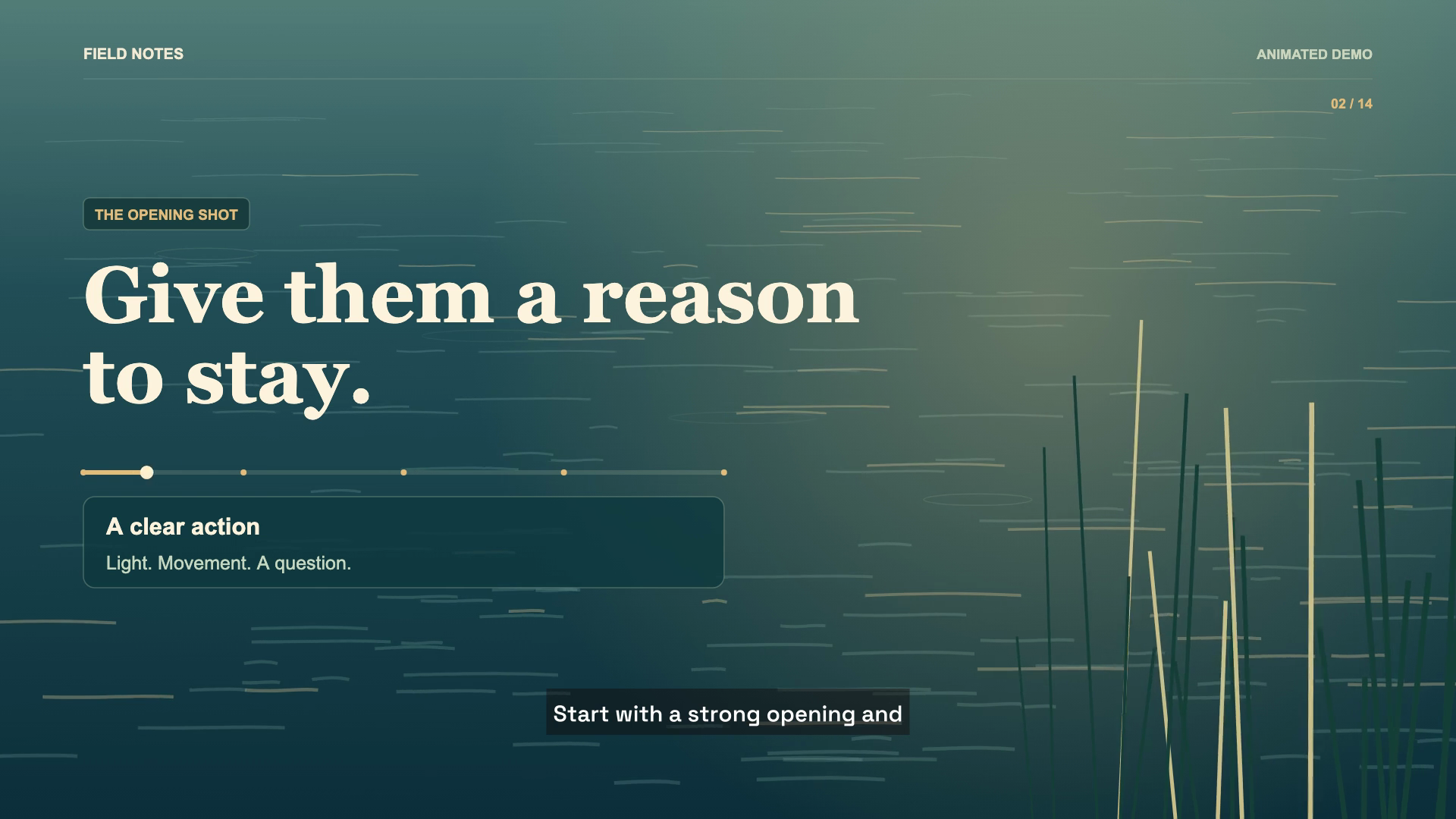 Documentary