Pick a face.
Choose a character + expression.
Pauses page effects and the automatic introduction. Videos also have their own play controls.
A little character. A lot of motion.
Watch the full introductionCharacters. Motion. Sound.
Your next video starts here.
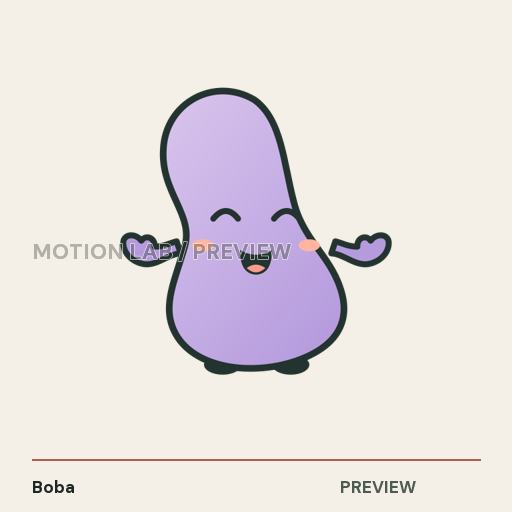 A MOVE FOR YOUR MOMENT.
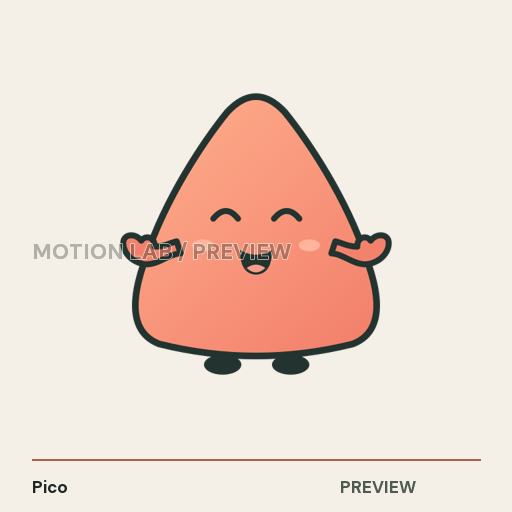 A LITTLE PERSONALITY.
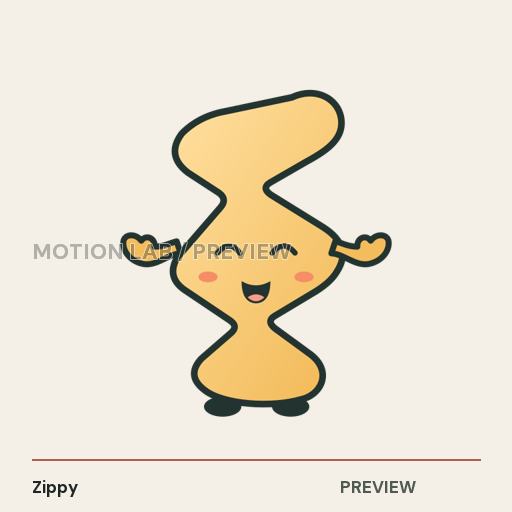
Tap a collection.
See what’s inside the skill.
Small previews here. The working files come with the skill.
Get the complete collectionExpressions vary by character. Three Shape Friends heroes include transparent motion clips.
The local toolkit.
Your creative direction.
Choose a character + expression.
Set words, style + sound.
Short clips or guided 24-second promos.
Made with Motion Lab Skill.
Loading video examples…
32–40 seconds. Original music + effects.
Words with weight.
Worlds with personality.
Two new films made with Motion Lab Skill. Tap to play with sound.
A tactile type workshop. Press, cut, snap, flip and send the next word into motion.
One character travels through Studio, Impact, Noir, Candy, Blueprint and Paper.
Finished preview films. The toolkit’s assets and creation tools are supplied with the skill purchase.
Fast Reels is included with Motion Lab. Change the presenter, words and colours. Keep the scene and sound timing together.
Choose from five animated performers, then adjust expressions, actions, captions and effects in the editable recipes.
Soft colours, clear cards and a five-character cast. Swap the presenter while the scene and sound cues keep their timing.
Black-and-red type, paper texture and animated pop-ups give each beat a clear reading order.
Character reactions, timed effects and captions share one clock. Change the scene copy and make the next film yours.
Your cast, on your terms. Select one bottom presenter for the whole film or use a different performer in each scene. Save your settings to render a separate version.
Sound and captions stay editable. Adjust individual sound cues and SFX volume, mute effects, change caption timing and export SRT/VTT sidecars. New premium narration uses your own voice account and credits.
Review before posting. The recipe checks character and text spacing across every frame before export. Inspect the finished film after changing its content.
These are finished demos. Edit and render the included recipes on your Mac. Stylized mouth cues play from supplied timing files; the templates do not generate narration or speech alignment.
Get Motion Lab with Fast ReelsThe full introduction. 55 seconds.
Two native formats.
Built for both screens.
The short preview is loading.
$67One-time
purchase
Checkout loads securely on Gumroad.
Local exports: no Motion Lab fee per video.
Setup: tested on Apple Silicon (arm64), macOS 26.7.2. A compatible Mac and separate tool installation are required; a minimum OS is not established.
AI + voice: directing needs a compatible assistant; its plans/tokens are separate. New ElevenLabs speech uses your own credits and a suitable commercial plan. Optional local voice needs separate setup.
The full inventory.
Included files + optional costs.
The recorded validation environment is Apple Silicon (arm64), macOS 26.7.2. This is not a verified minimum OS or support for every Mac. Creating and rendering require compatible tools and separate installation.
Your purchase includes the directing skill, supplied artwork, motion recipes, sounds, editable projects, local tools and buyer guides. After payment confirmation, download these four files from your Gumroad receipt/library in order: 1) Motion-Lab-Starter-Kit-v2.zip, 2) Motion-Lab-v4.zip, 3) Motion-Lab-Fast-Cut-v5.zip, and 4) Motion-Lab-Showcase-Films-v1.zip. Extract the Starter kit first, then the three creative packs. Place the three extracted creative folders inside motion-lab-starter-kit-v2, beside the included guide and notes folders. Open its top-level START-HERE.html. Buyer Start V4 includes numbered setup, your first 24-second promo and one adaptive setup prompt. Paste the prompt into a compatible assistant for help checking missing tools and following reviewed setup steps within its actual permissions; browser-only chats provide instructions. You do not need the older separate Buyer Start or Customer Notes downloads as well. The creative packs are large; keep space for the extracted toolkit, tools and projects. The Fast Reels download includes its own start guide and editable settings; keep that module folder together. Extra authored project packs also have their own guides. This website shows previews; working files come after purchase.
Yes. Use the clip studio, the six-beat guided promo builder or the longer authored sources. The original guided promo runs 24 seconds. Core characters remain supplied artwork and finite motion assets. The separate Fast Reels module adds five original animated geometric performers with expression, action and supplied-audio mouth-cue playback. It has its own editable scene, caption, sound and effect settings.
Finished Jessica recordings are included with their films. New premium speech uses your own provider account and suitable commercial plan. The original guided builder has optional local voice with separate setup. Fast Reels can use an imported local recording and supplied mouth timing. Its voice preference saves a choice for the next recording; it does not revoice an existing film.
No discretionary refunds are offered for this digital download. This does not limit any refund, withdrawal or other remedy required by applicable consumer law, or Gumroad's authority to handle refunds, chargebacks and disputes under its own rules. Report faulty, inaccessible or materially misdescribed files through the seller contact shown on your Gumroad purchase receipt so the appropriate remedy can be assessed.
Buy through Gumroad using Get Motion Lab Skill above. After payment confirmation, your receipt/library provides the Starter kit, core creative packs and included extra project modules. Start with the four numbered downloads above and use the single visual START-HERE guide. Motion Lab Skill is supplied by CP Global Dynamics LLC under the MakeVideoSkill brand. For product or download support, contact cpglobaldynamics@gmail.com or use the seller contact on your Gumroad purchase receipt.
Draft layout, not customer reviews. Real feedback will be added after launch.
A place for a verified customer’s first-film story.
Customer feedback will go here.A place for a verified customer’s favorite character.
Customer feedback will go here.A place for a verified customer’s workflow experience.
Customer feedback will go here.Planned for launch: a three-preset Launch Hooks Pack for the first 25 purchases.
The offer is not active yet. Final terms will appear when sales open.
Explore the complete skillOwner layout preview. No customer reviews or active launch offer.