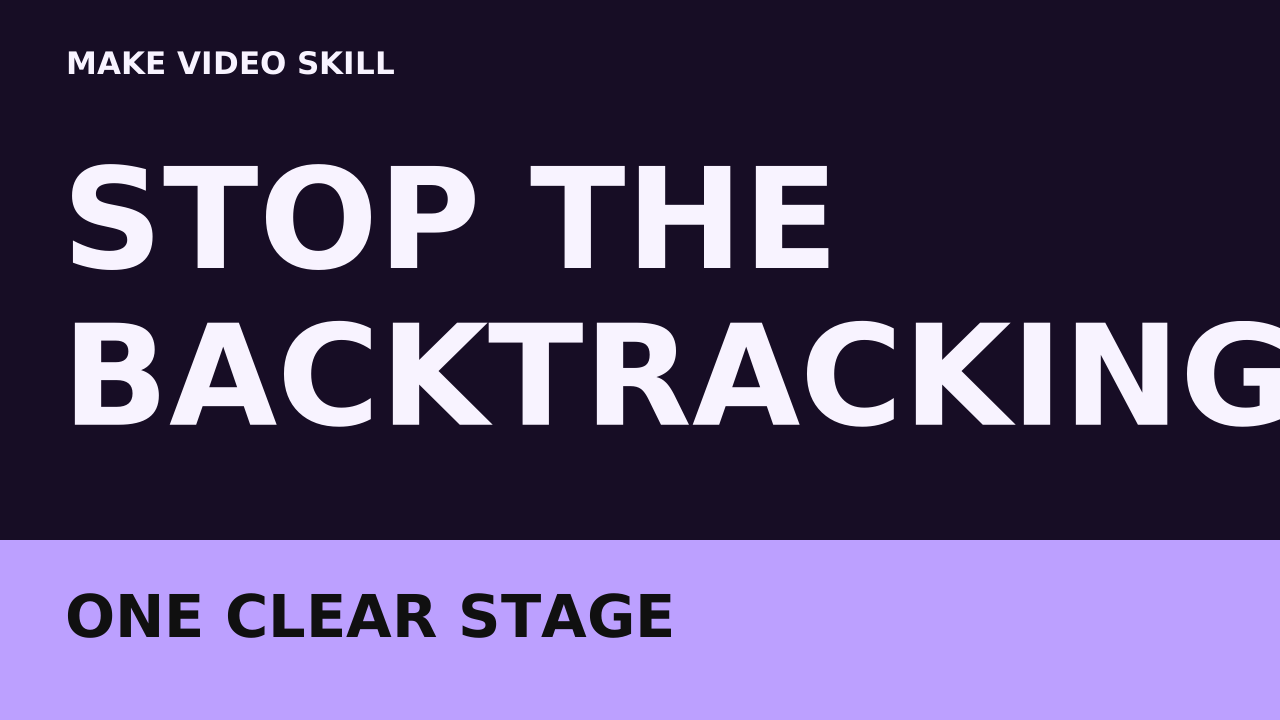
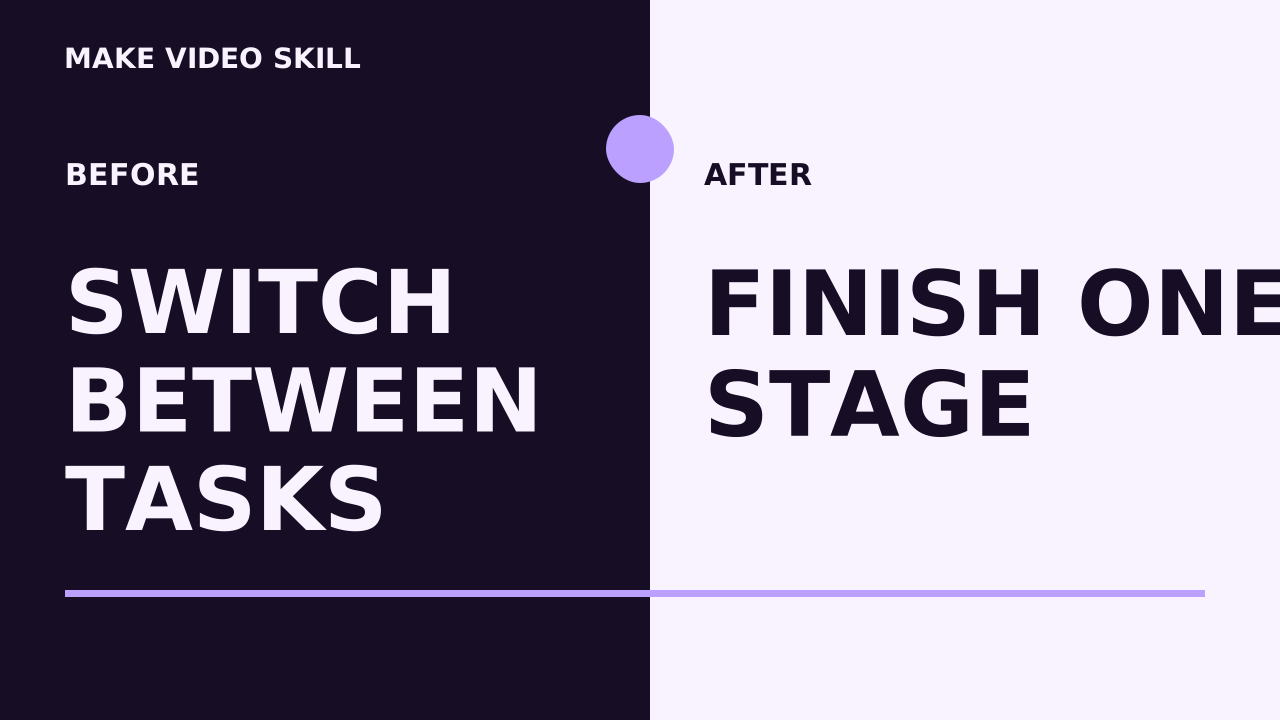
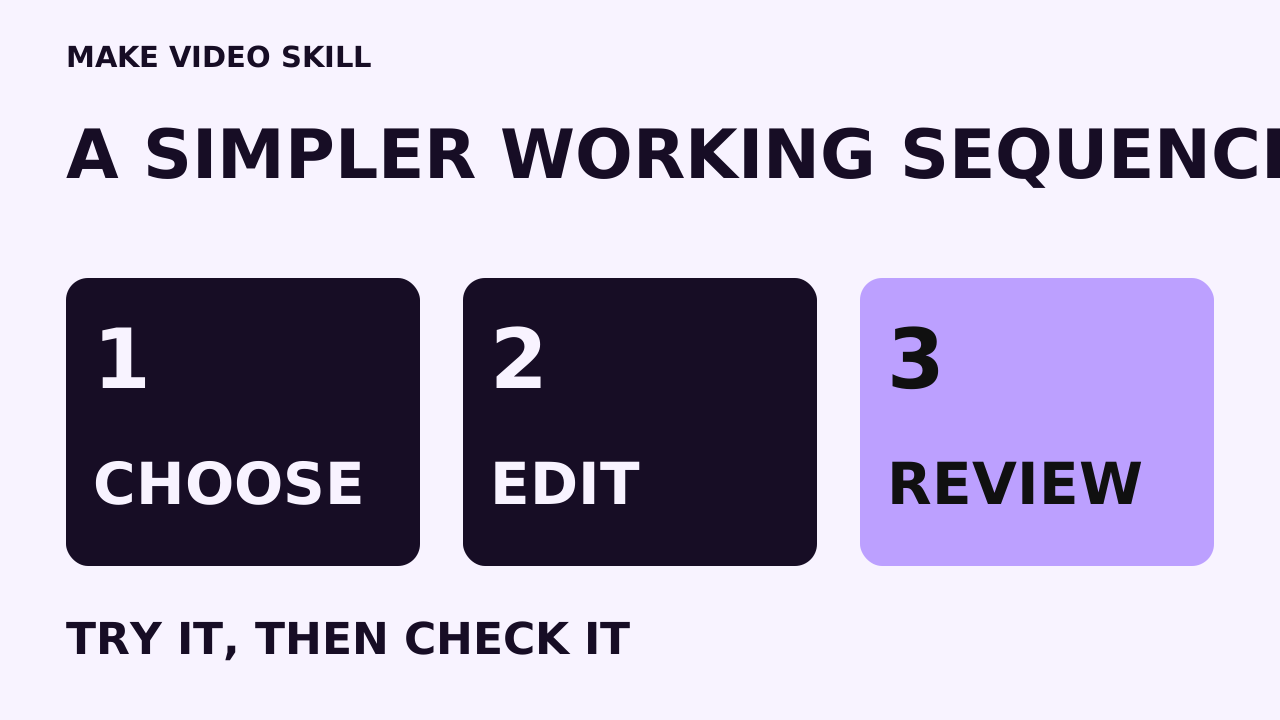
Direction 1
Solve one visible friction point
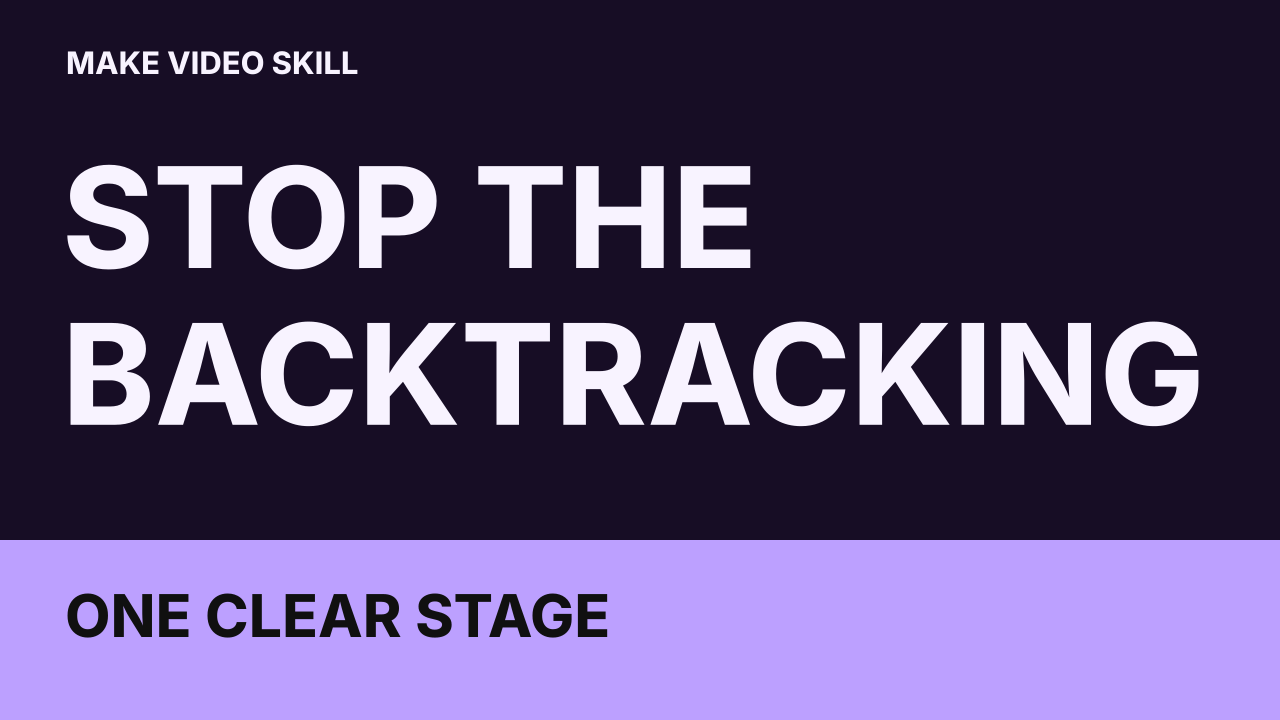
Hook draft: If switching between tasks before finishing one clear stage sounds familiar, start smaller. Here is one way to approach creating an editable local video with make video skill.
Included local creative helper · 0.12
Three angles, hook drafts, causal storylines and shot plans. Three actual thumbnail PNGs with editable SVG and wording. These files were generated locally by the helper included in the $67 toolkit.
This is a local rule-based draft starter. It uses bounded writing rules and bundled fonts. Optional assistant-authored writing can replace the starter text. Review the assumptions and claims; this command generates no speech, footage, soundtrack or researched facts.
Make a first editable local video. Show a supplied project, change one clear sequence, and review the MP4 saved on the computer. The example brand is Make Video Skill.
These are the actual PNG outputs. The matching plans and SVGs stay editable. The included rule routes cover a small practice loop, cooking sequence, working sequence, growing trial and a general example; tailor the brief when a route does not fit.
Direction 1
Hook draft: If switching between tasks before finishing one clear stage sounds familiar, start smaller. Here is one way to approach creating an editable local video with make video skill.
Direction 2
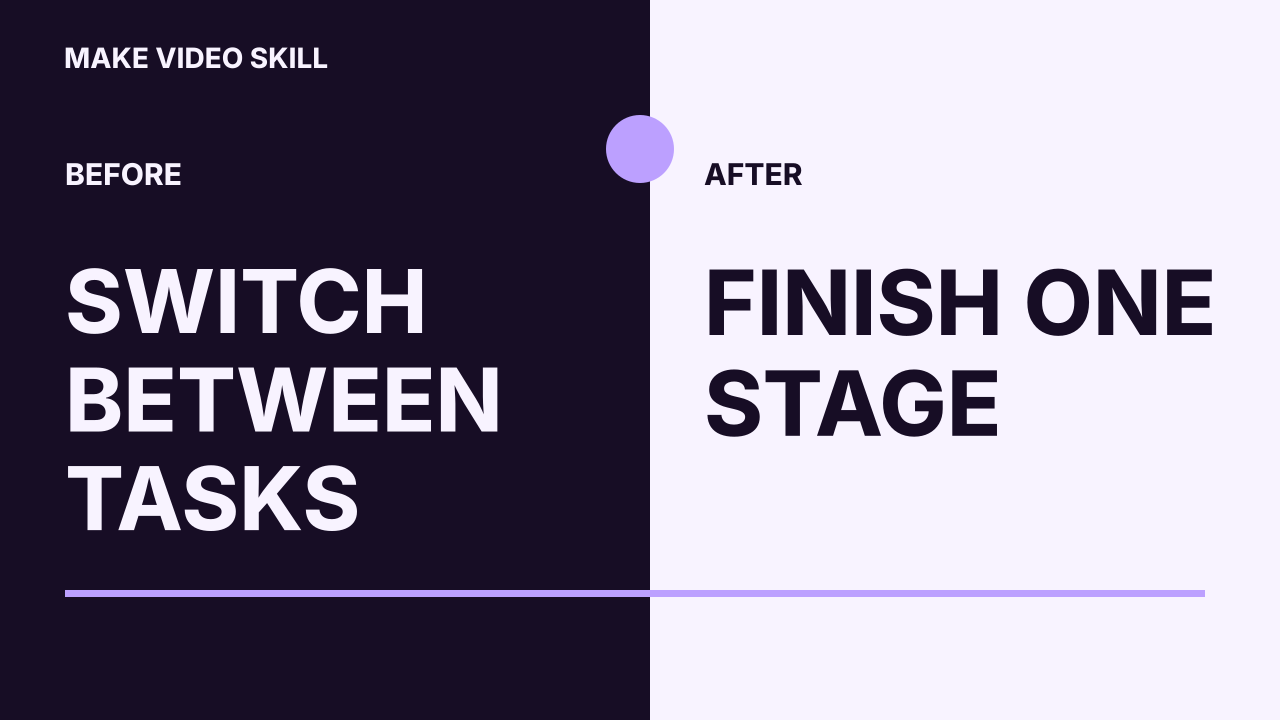
Hook draft: Here are two ways to approach creating an editable local video with make video skill. Keep the starting point the same and watch the difference.
Direction 3
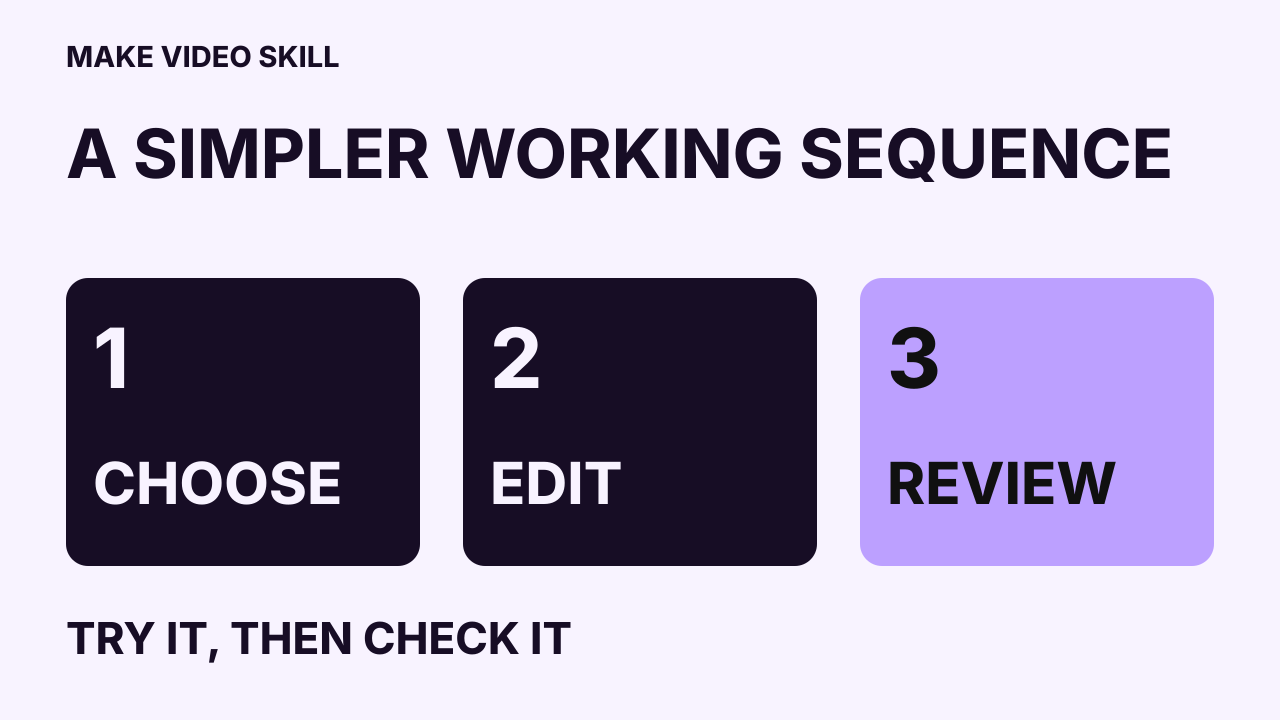
Hook draft: Before changing everything about creating an editable local video with make video skill, test one small example. Decide what you will check first.
After installing the toolkit’s pinned project dependencies, use a fresh output folder:
node scripts/creative-assistant.cjs draft --brief brief.json --out projects/my-video-ideasEdit the generated draft.json to change a title, hook, storyline, thumbnail headline, palette or brand. Render the revised writing into another folder:
node scripts/creative-assistant.cjs render --input projects/my-video-ideas/draft.json --out projects/my-video-ideas-revisedThe native scene plans are simple silent visual drafts. The shot list describes the richer visuals to author. For a finished narrated film, supply permitted speech, align its words and retime the scenes and captions to the final recording.
After purchase and setup, rendering each video on your computer costs zero dollars. You can save the rendered video files on your own computer. AI help and premium media can cost extra. Your computer, electricity, storage and setup downloads remain your costs.
Bundled typography retains its OFL notice. The helper is included in the $67 toolkit. Review the setup requirements and current product policies before purchase.