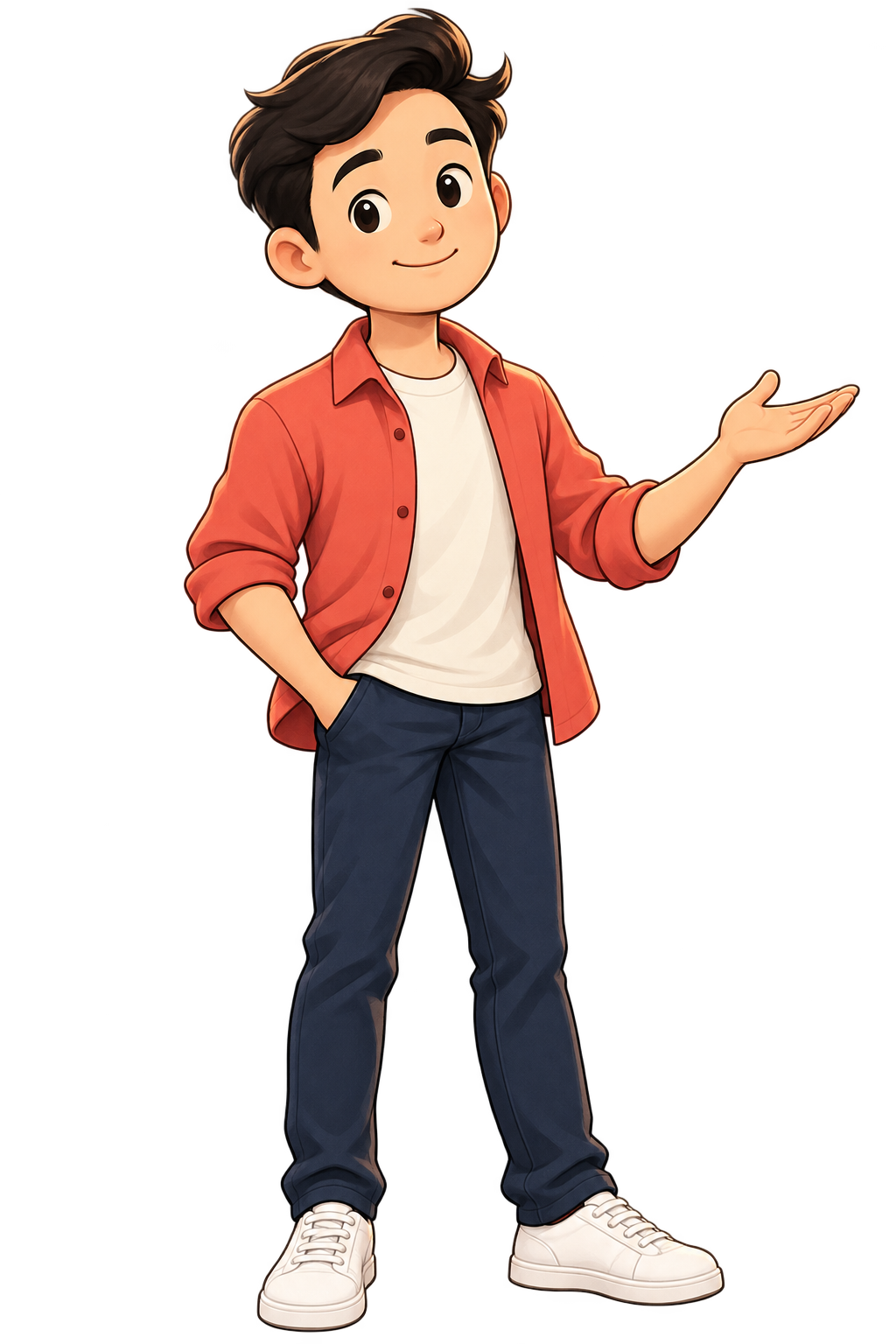
Character Story Studio turns a short script into an illustrated video. Use Milo, describe a new character, or stylize a photo you have permission to use.
For Codex and Claude Code. Scene prompts, narration workflow and timed captions.
Your pay goes up, but by Friday you are still checking whether you can afford lunch. The better flat, the new phone, and the little monthly upgrades claimed the extra money before you did. One evening, you put those repeating payments together and spot an upgrade you barely use. You cancel it, keep the phone you already own, and let the raise buy something quieter: room to breathe.
Your Tuesday calendar is full, but the work you promised is still sitting exactly where you left it. You join a meeting to prepare for another meeting, then someone asks you to write the notes. This time, you ask what must be decided before everyone leaves, and the room goes quiet. The update fits in a message, the meeting ends early, and you finally get back to making the thing.
You play the same piano bar faster and louder, but the awkward change keeps tripping your hands. After another messy try, you stop before the difficult bit and practise just the two notes around it. The change lands, so you add the notes beside it, slowly, until the whole bar joins up. When you return to the tune, you recognise the music instead of the panic, and keep playing.
You pick up your phone to stop the alarm, and your toast burns before you put it down. The video after this one becomes another video, then a cold cup of coffee beside an untouched book. Tomorrow, the phone charges across the room while the book waits right beside the kettle. You still reach for the screen, but meet the page first, and breakfast stays warm for once.
A long list of features misses the person listening.
Read the story
You describe your coffee with six careful words, but the customer is watching the station clock. You explain the roasting process while their train gets closer, and your beautiful menu leaves the question unanswered. Then you try a different promise: a good hot coffee, ready before your train, and point to the takeaway counter. Now they know why your little cafe belongs in their morning, and you have an order instead of another explanation.
These five original showcase films use Milo, one included example. Your own character can follow the same workflow. Only one film plays at a time.
Milo is one example. Your character is your choice.
The pack includes ready-to-copy prompts for three starting points.
Use Milo.
Start with the included reference and twenty sample scene illustrations.
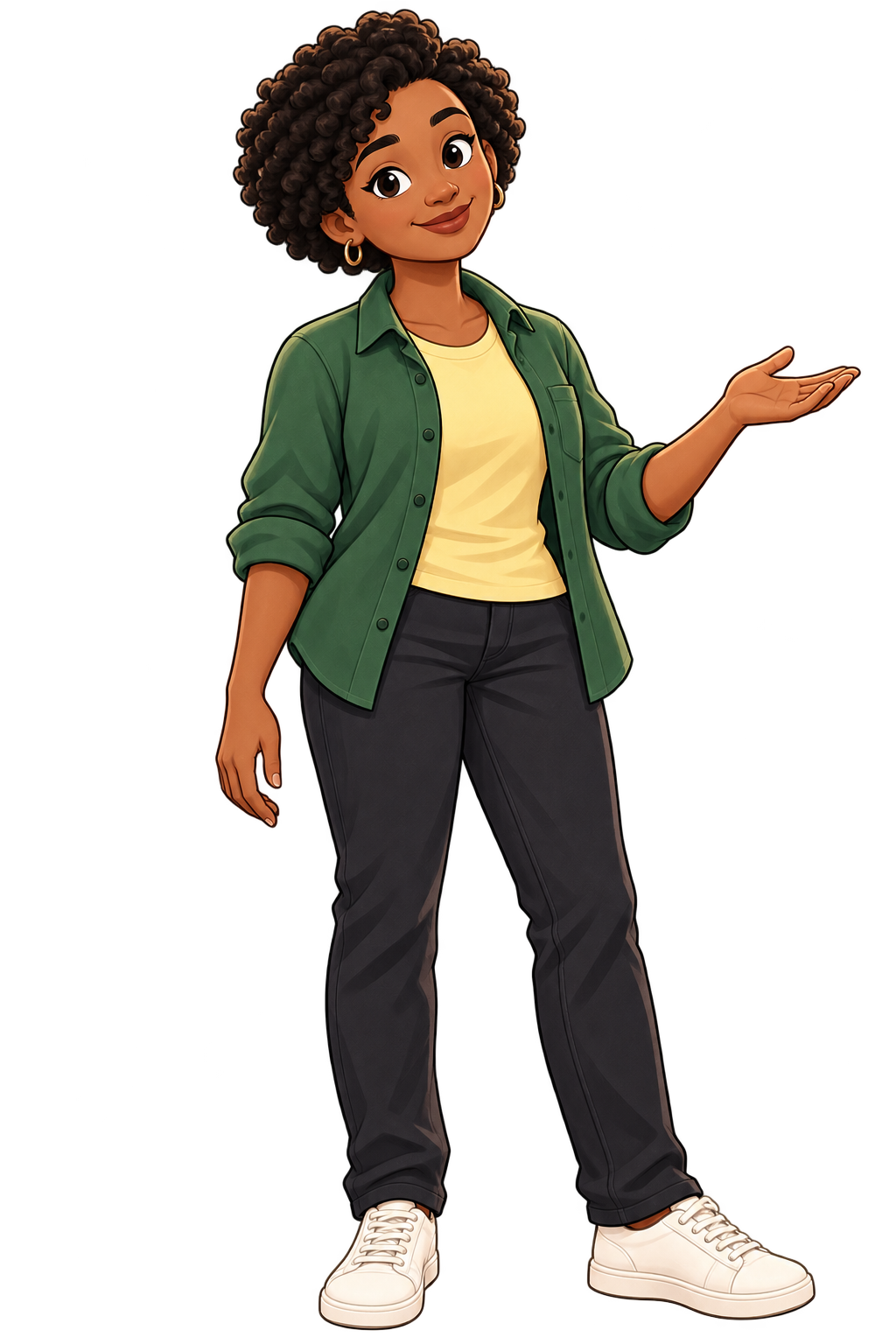
Describe someone new.
Define an original character’s appearance, outfit and style. Create a reference, like Nia here, before building the scenes.
Stylize a permitted photo.
Use your own photo, or one you have permission to use, with the included photo-to-character prompt. Carry the resulting reference through the story.
Nia — created from a description.An original character example, not a customer photo.
A working start for your next story.
Start with a small moment your audience knows. A cold coffee. A crowded calendar. One wrong note. Then give that moment a turn and a payoff.
Character Story Studio gives your coding assistant a repeatable way to plan and build that illustrated story. You keep the files, review the result and change what needs changing.
In the $39 skill pack
Portable assistant instructionsA guided story-production skill for Codex and Claude Code.
Three ways to start a characterUse the included Milo, describe someone new, or stylize a permitted photo with ready-to-copy prompts.
Five editable story startersScripts, scene prompts, caption settings and twenty original Milo illustrations — four per sample story.
A reproducible local starterA small working example you can edit and export, plus setup instructions.
A review-and-export workflowPlan the shots, supply permitted narration, time captions and check the final video.
A situation. A turn. A story worth finishing.
Find the ordinary moment.
Start with a concrete problem and a reason to keep watching. Give the character something to do.
Build the scene around it.
Choose the setting, expression and action. Use the character reference to keep your chosen character consistent across new shots.
Let the voice set the pace.
Use narration you have permission to use. Time the picture and captions to the finished voice, then review and export.
A skill you run. Files you keep.
This is a downloadable skill and starter pack for a local coding-assistant workflow. It is not a browser-based video subscription.
You provide the assistant, computer and media tools. New illustrations, AI assistance and voice generation may use separate paid services or local tools you configure.
The demo voices are already rendered into the showcase films. Private voice-clone references, voice models and AI credits are not included. Use your own permitted narration for new stories.
Make your next character story.
A separate character-story skill from Make Video Skill. The $67 core toolkit is not required for this pack.
One-time purchase. Checkout and digital delivery through Gumroad.
Your AI assistant and any paid media services are separate. No recurring skill subscription.
Before you make a story.
What exactly is a skill?
A downloadable set of instructions and starter files for a coding assistant. Character Story Studio guides the story, character, shots, narration, captions and export process. You work with the files on your computer.
Is this the same as the $67 toolkit?
No. Character Story Studio is a separate $39 pack focused on illustrated character stories. The main Make Video Skill toolkit and other skill packs are separate products.
Do I get the voices from the videos?
The finished narration is part of these showcase films. The pack does not include private voice-clone references or generation models. For a new story, supply a recording you have permission to use or configure your own voice provider.
How do I start with my own character?
The pack includes ready-to-copy prompts for three routes: use Milo, create an original character from a description, or stylize your own/permitted photo. Build a clear reference first, then carry it through each new scene. You can adapt the story starters to your topic. Use only images and voices you have permission to use.
Are new stories made automatically?
The skill guides your coding assistant through the work. New stories still need suitable visuals, permitted narration, timing and a final review. It is not an unattended publishing service.
What should I check before buying?
Review the final release’s setup and supported-system requirements, what is included in the download, and any separate AI or media costs. The skill and your media tools have separate setup requirements. Questions? Ask support@makevideoskill.com.